Built for one person running several clients at once, not for a team inside one company.
Your card goes in up front, nothing is charged for 14 days, and you can cancel from your settings before then.

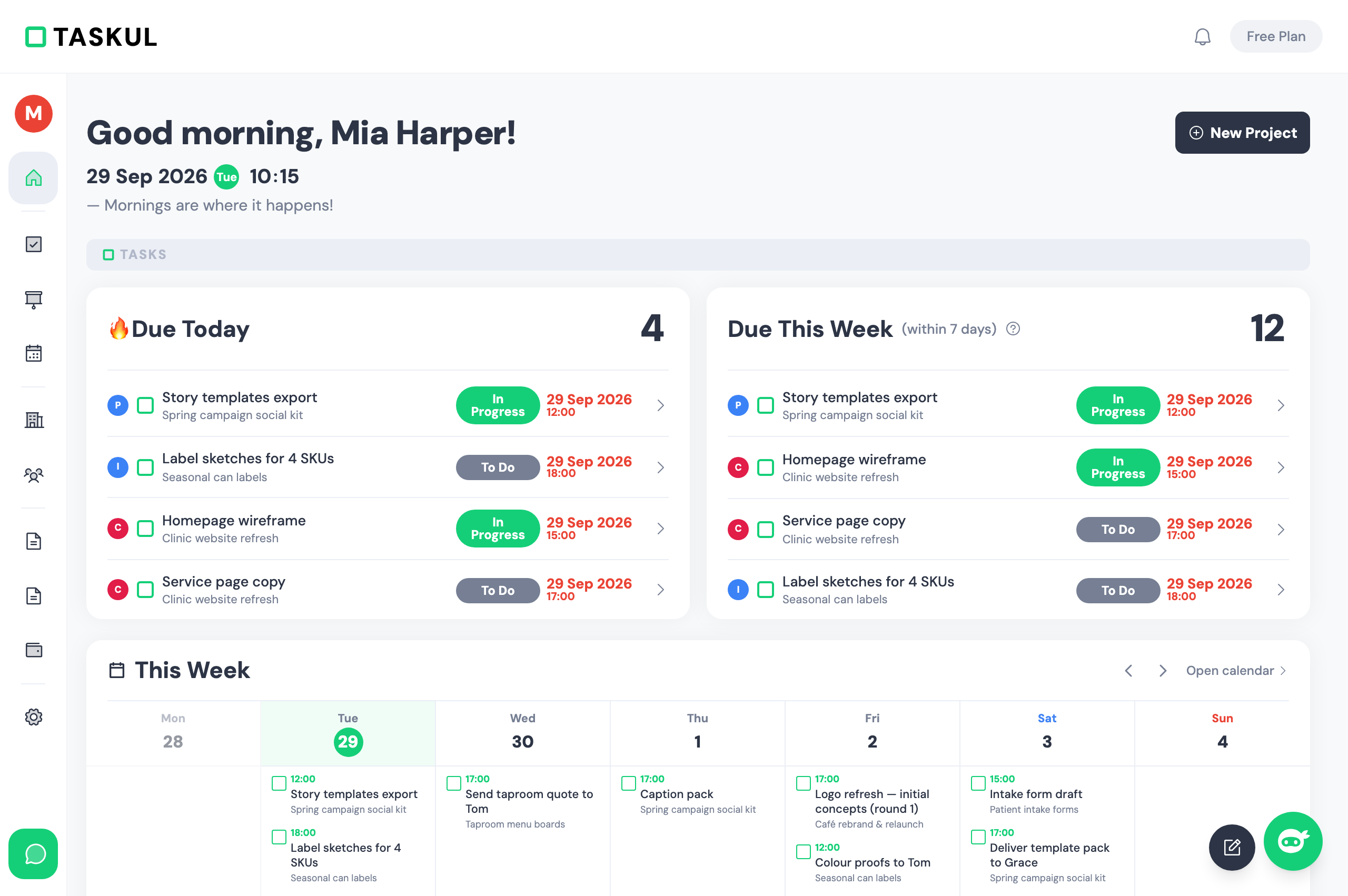
Today's jobs are the first thing on screen, with nothing else competing for your attention. It is the one admin screen you will not put off.
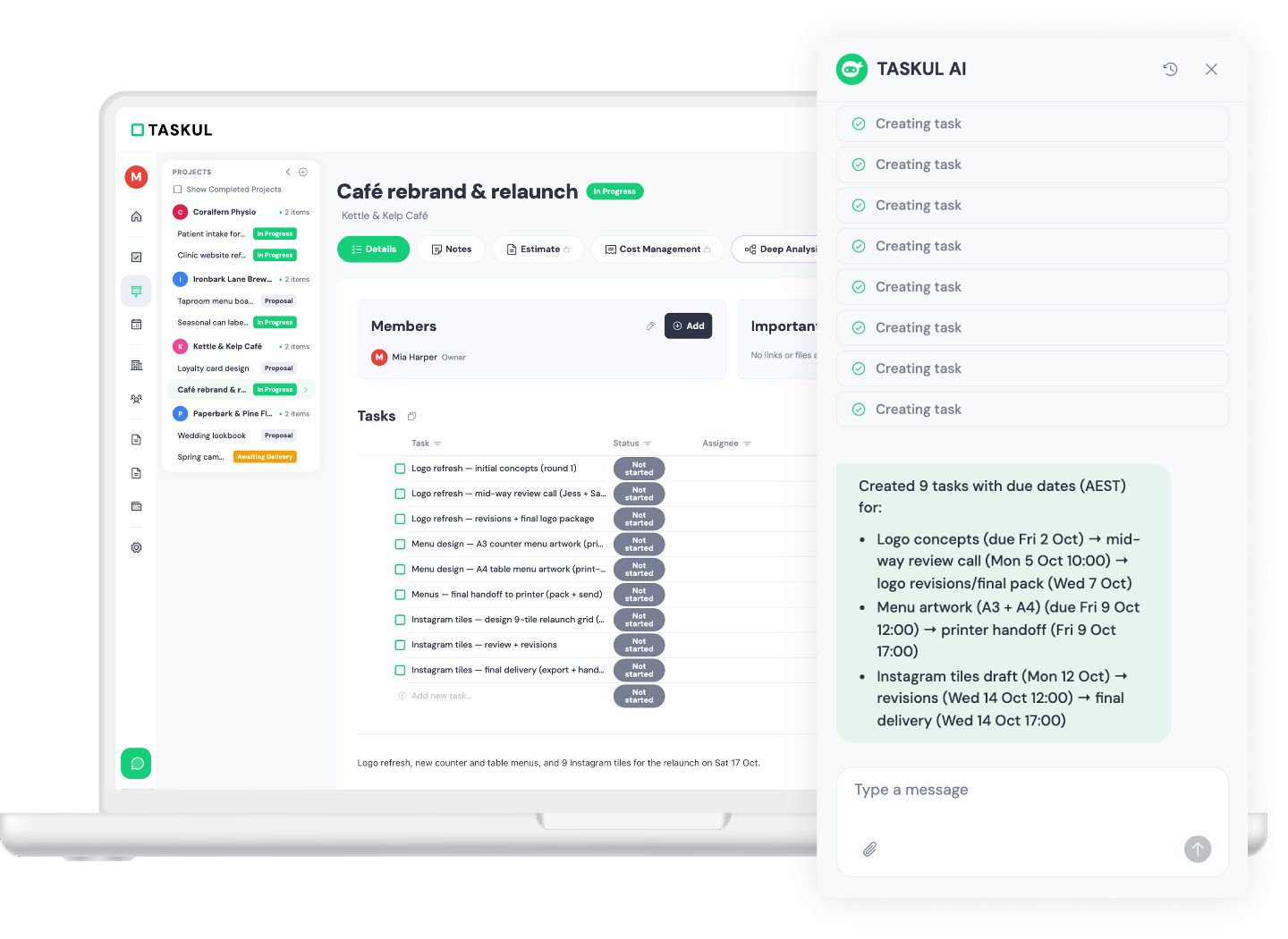
Screenshot what the client sent you, paste it in, and the brief comes back as a project with tasks and due dates on it.
Quotes and invoices come out of the job itself, so the amount you agreed to is already in the document.
No more wondering which app it was in. Email, Slack, Notion, Google Calendar — the details of a job stop living in four apps and start living in one.
Every extra job adds one more thing to forget. You remember it at 11pm.
Slack, email, a shared doc, a voice note. The brief is in four places, so you lose the first hour of the day finding it.
Invoice day means scrolling back through old messages to find the number you agreed on.
TASKUL is built by a web studio with over 3,000 client builds behind it. We rework the design and the structure as we use it on live projects.
Drop in the long client email, the chat thread or your notes from the call. Your AI reads it, works out what is being asked for, and writes the tasks and the requirements for you.
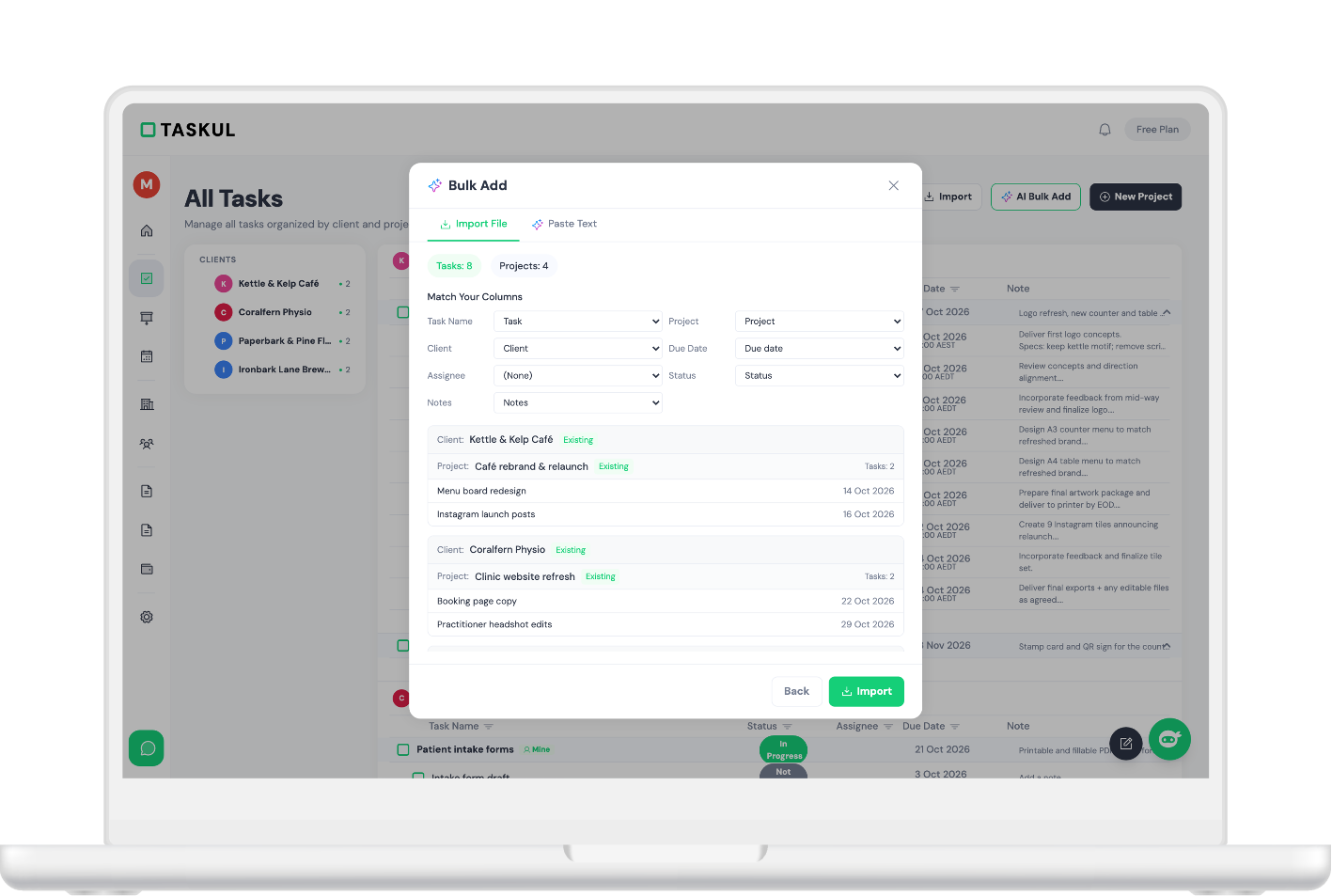
Google Calendar and Slack talk to TASKUL, and anything that exports a CSV comes straight in, so nothing needs copying across by hand.
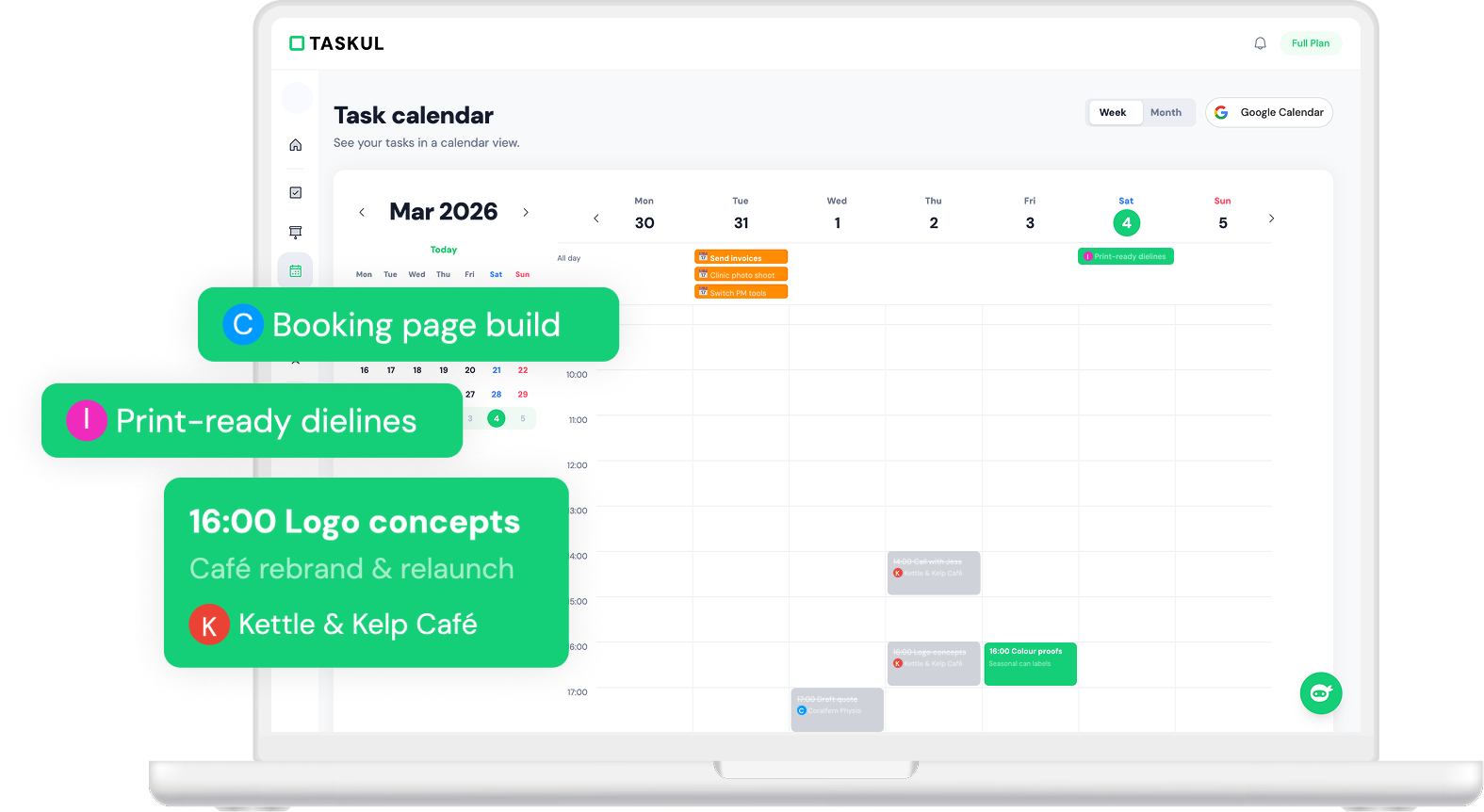
Deadlines and meetings sit in the same view, and the sync runs both ways, so you stop double-booking yourself.
Export a CSV from Notion, Sheets or Excel and import the lot. Or paste the messy text straight in and let the AI tidy it into tasks.
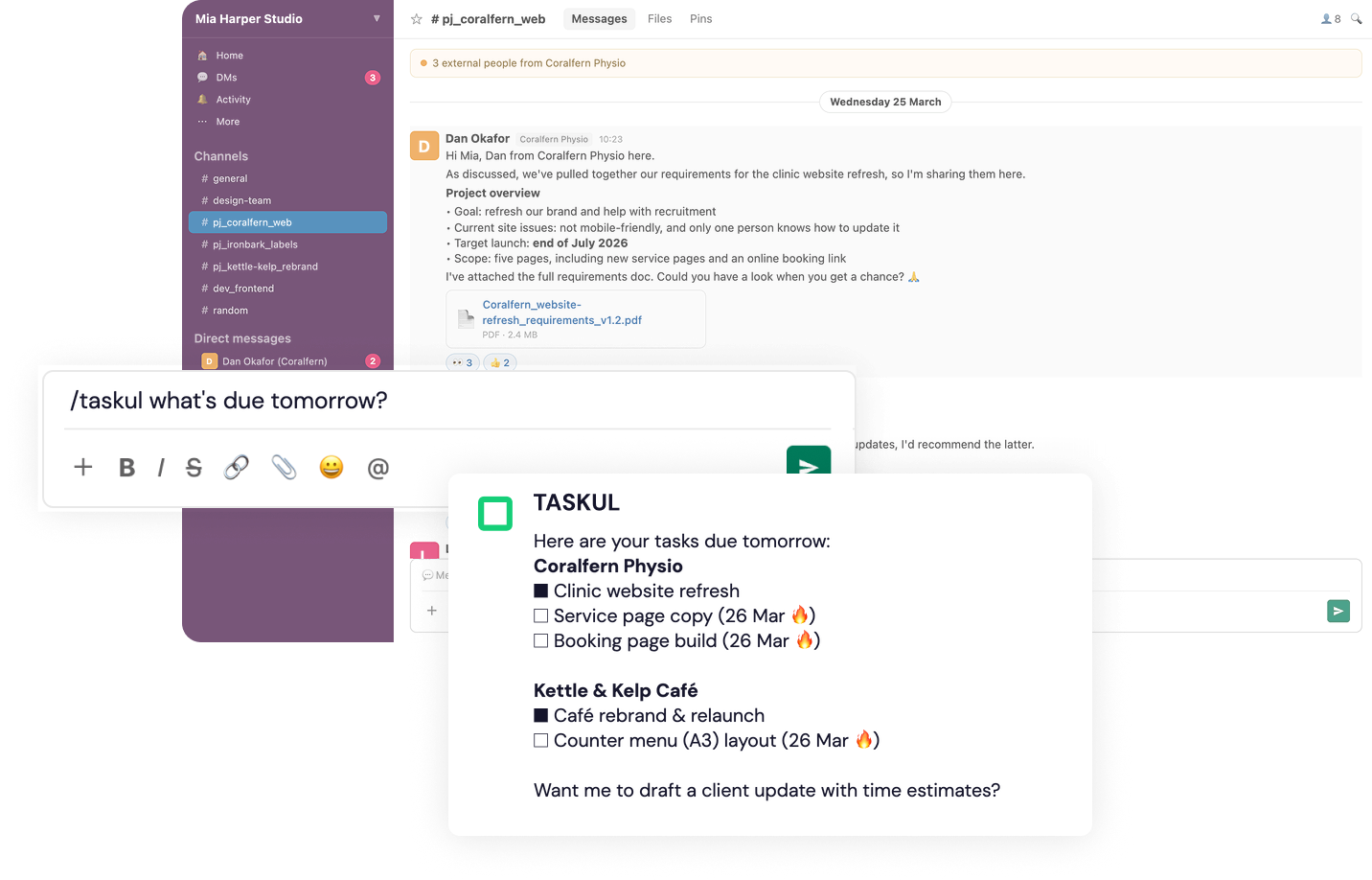
/taskul
in Slack.
Run it in a client thread and TASKUL reads the conversation, then builds the project and its tasks from it.
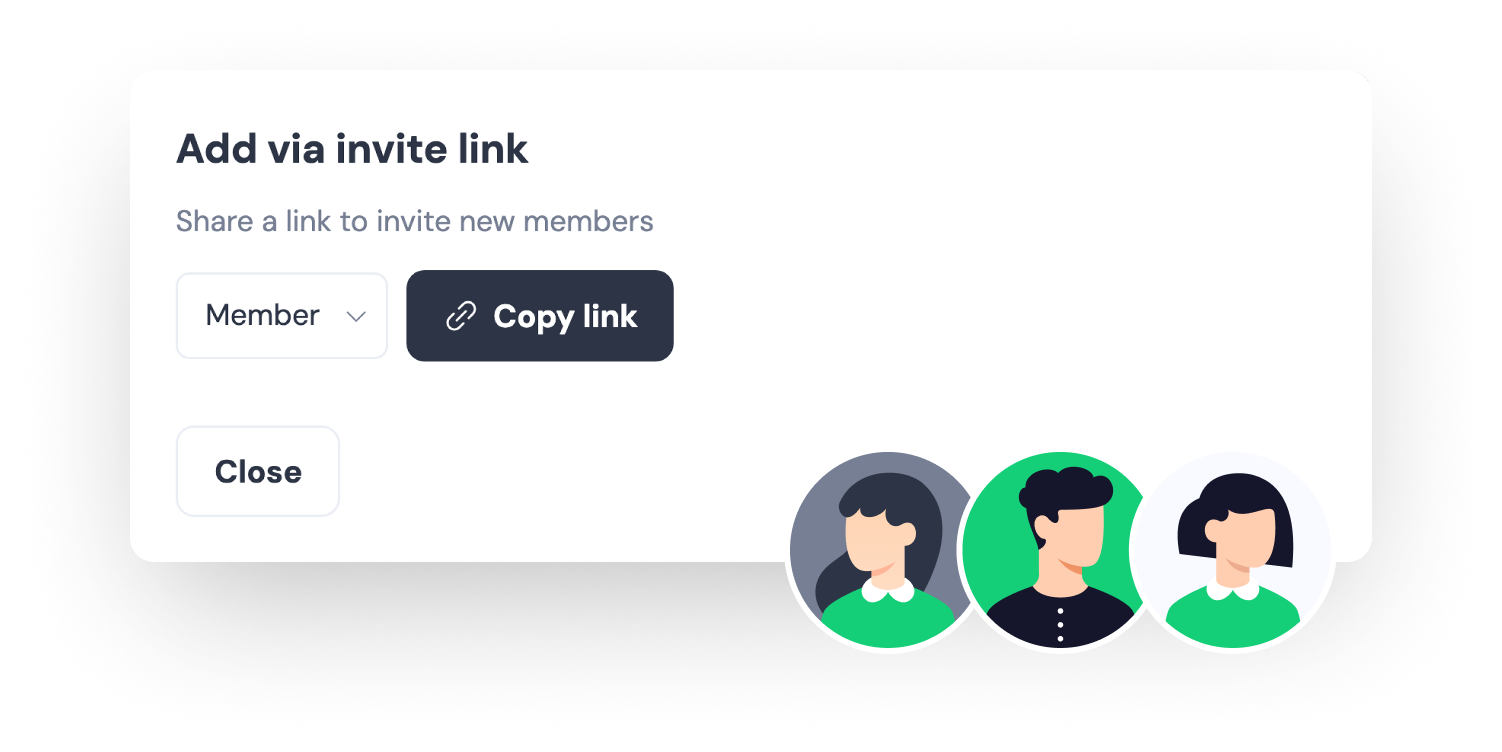
Invite a partner to the project and they see the tasks you shared, and nothing else. Client details and anything with money on it stay on your side.
Keep what you learn about each partner in one place, and the next job starts with a crew you already trust.
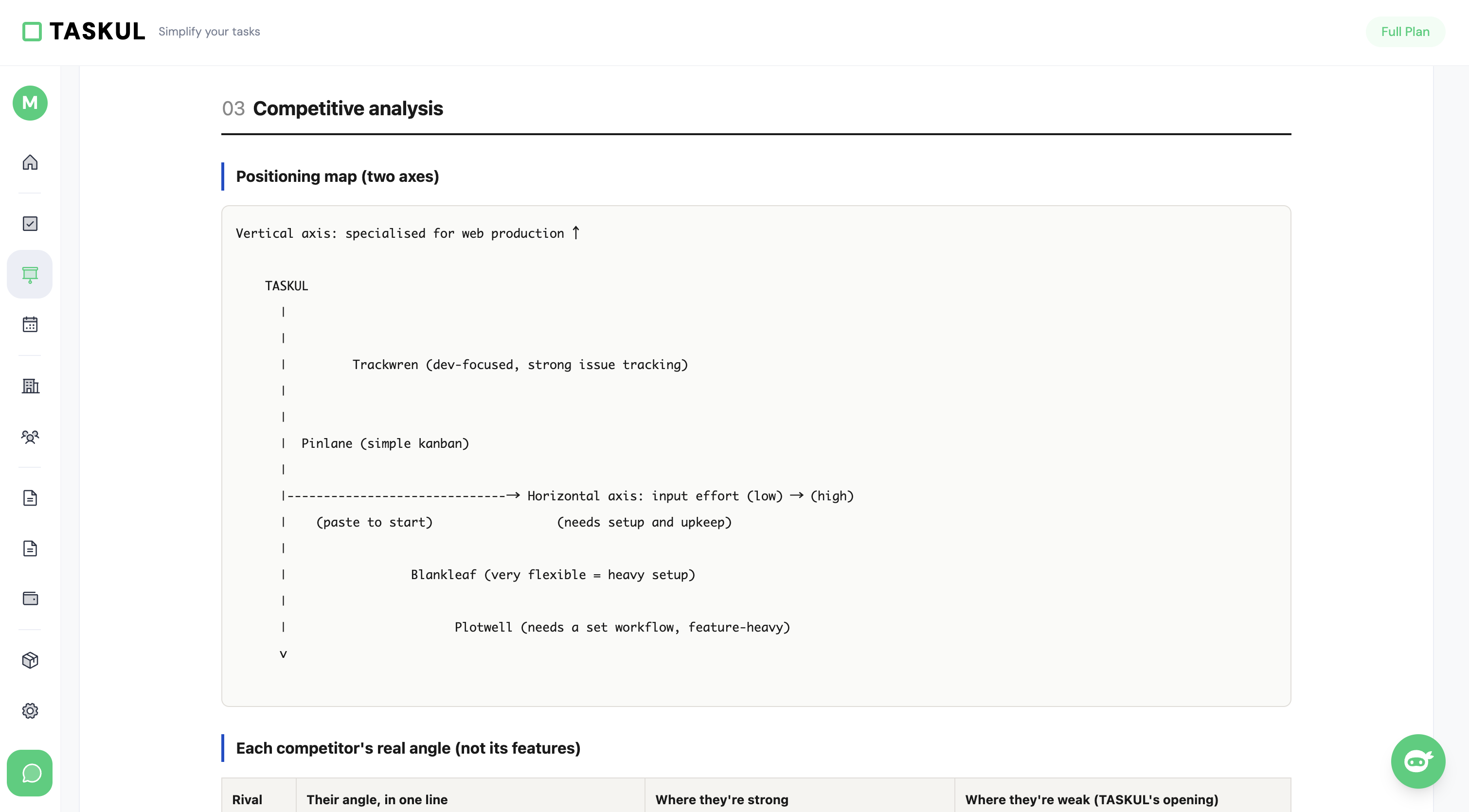
Enter the job and the AI comes back with the market, the competitors and a plan you can take into the kick-off call. Export it as a PDF and send it to the client.


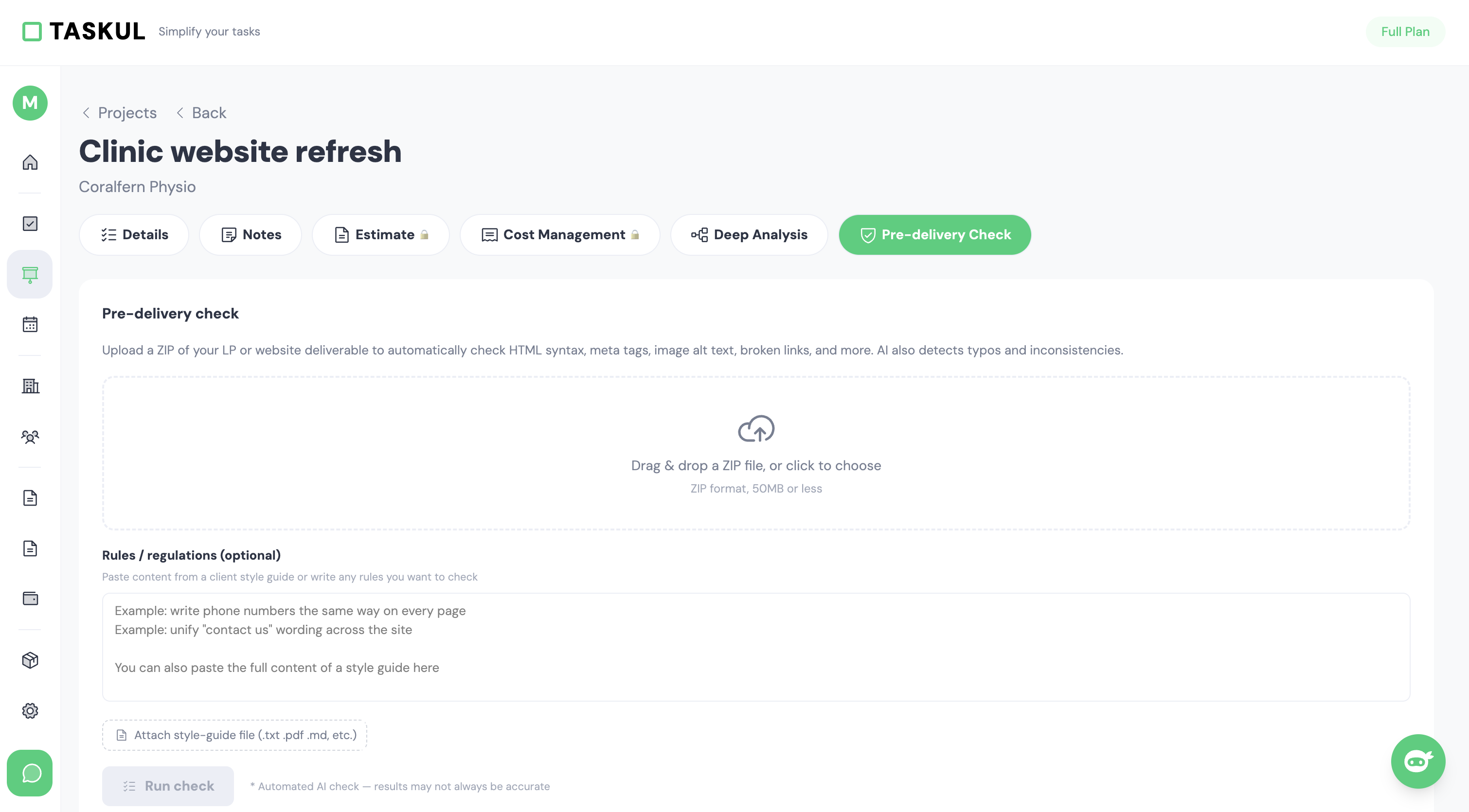
Upload the files and it goes over the HTML, the alt text, the OGP tags, the image sizes and the typos.
TASKUL was built for the people who actually deliver the job: designers, writers, editors and developers working for themselves. We keep changing it based on what they tell us while they are in the middle of a job.
The whole job, from the brief to the invoice.
Paste the brief or the chat and the tasks and due dates write themselves.
Scattered messages become a scope list, the things to watch out for, and the client's brand rules.
Talk through how to run a job whenever you want a second opinion.
Paste your notes from the call and get back the gaps and the next steps.
What is due today and what is due this week, collected for you.
Progress and status across all of your clients in a single view.
Client details kept in one place and linked to their jobs and people.
Requirements, quotes and tasks kept together inside each project.
Deadlines and meetings handled in the calendar you already use.
Turn a Slack thread into a project and its tasks.
Partner details and skills collected into a chart of what you can cover.
Both documents built in one click, with your business number and the tax rate on each line.
Partners see the tasks only. Client details stay hidden.
Market research, competitors, strategy and an action plan in one pass.
Upload a ZIP and the HTML, the alt text and the OGP tags get inspected.
Every plan starts with 14 days free, and every feature is switched on.
Card up front, nothing charged for 14 days.
Yes. We take your card details when you sign up, and nothing is charged for the first 14 days. Cancel from your settings before day 15 and you are never billed.
Every feature is switched on for all 14 days and nothing is charged during the trial. Pick the plan you want to stay on before day 15, or cancel from your settings and you are never billed.
Every plan on this page is billed in US dollars, and no tax is added on top at checkout. If you are outside the United States your bank may add its own currency conversion fee, so budget a little above the US dollar figure.
Yes to both. Every line on a quote or an invoice carries its own tax rate, so you can set 10% where GST applies and 0% where it does not, and the business number you save in your billing settings prints on the document. One limit worth knowing: a document comes out in the currency your account is billed in, so a US dollar account issues US dollar invoices. If the invoice itself has to be in Australian dollars, use TASKUL for the quote and the job and raise the final invoice in your accounting software, because the agreed amount carries across.
Yes. Paste a client brief straight in and TASKUL builds the project from it. For what you already have, export a CSV from your spreadsheet or from Notion and import it.
Yes. TASKUL runs in your phone's browser and has its own layout for a small screen, so today's list is there when you check it on the way to a job. There is no separate app to install.
People who do client work on their own: web designers, front-end developers, video editors, writers, and anyone running several jobs at once. It is organised around several clients rather than around one employer.
Yes, on every plan. You invite a partner to the project and they see the tasks you shared. Client details and anything with money on it stay private to you.
Yes. You can upgrade or downgrade at any time, and cancelling from your settings keeps the plan running to the end of the period you have already paid for.
Tell us what you are trying to set up and we will tell you straight whether TASKUL handles it. We answer in English.
Every feature is on for 14 days. Your card goes in up front, nothing is charged until day 15, and you can cancel from your settings before then.