
A project escalation matrix should answer a practical question: when the person handling a client job cannot resolve a delivery decision, who can help decide what happens next? A list of senior names is not enough. The team needs a recognisable trigger, the decision required, the evidence to carry forward and a clear arrangement for following up while the affected work waits.
This project escalation matrix template is for ordinary creative-project delivery and approval issues. It is a manual decision route, not an emergency, safety, cyber-security or legal procedure. It does not monitor deadlines, send alerts or impose a universal response time. Agree the roles and timing for the actual work before relying on it.
Download the project escalation matrix (CSV) and the internal decision-request note and fictional example (TXT). Both are reusable planning records. Replace the examples and check that the named people have agreed to their roles; neither file contacts them or changes their authority.
Escalate a decision that the routine owner cannot resolve
Start by naming the decision, not by marking the whole project “urgent”. Conflicting instructions about the same proof may require one authorised client answer. A request for a different output may require the studio and client to revisit what was agreed. Those situations need different decision routes, even if both interrupt the person doing the work.
Keep routine clarification with the normal owner when they can resolve it through the agreed process. Escalation becomes useful when that route cannot provide the needed answer, the decision exceeds the owner’s authority or the person who should decide is unavailable. The matrix should make that boundary clear enough that a covering colleague can use it.
A status report tells people where work stands. An escalation asks an identified role to resolve a specific decision that is preventing the next commitment. The same issue may appear in both, but copying more people into a progress message does not itself create a decision owner or a changed agreement.
Define the trigger and the authority separately
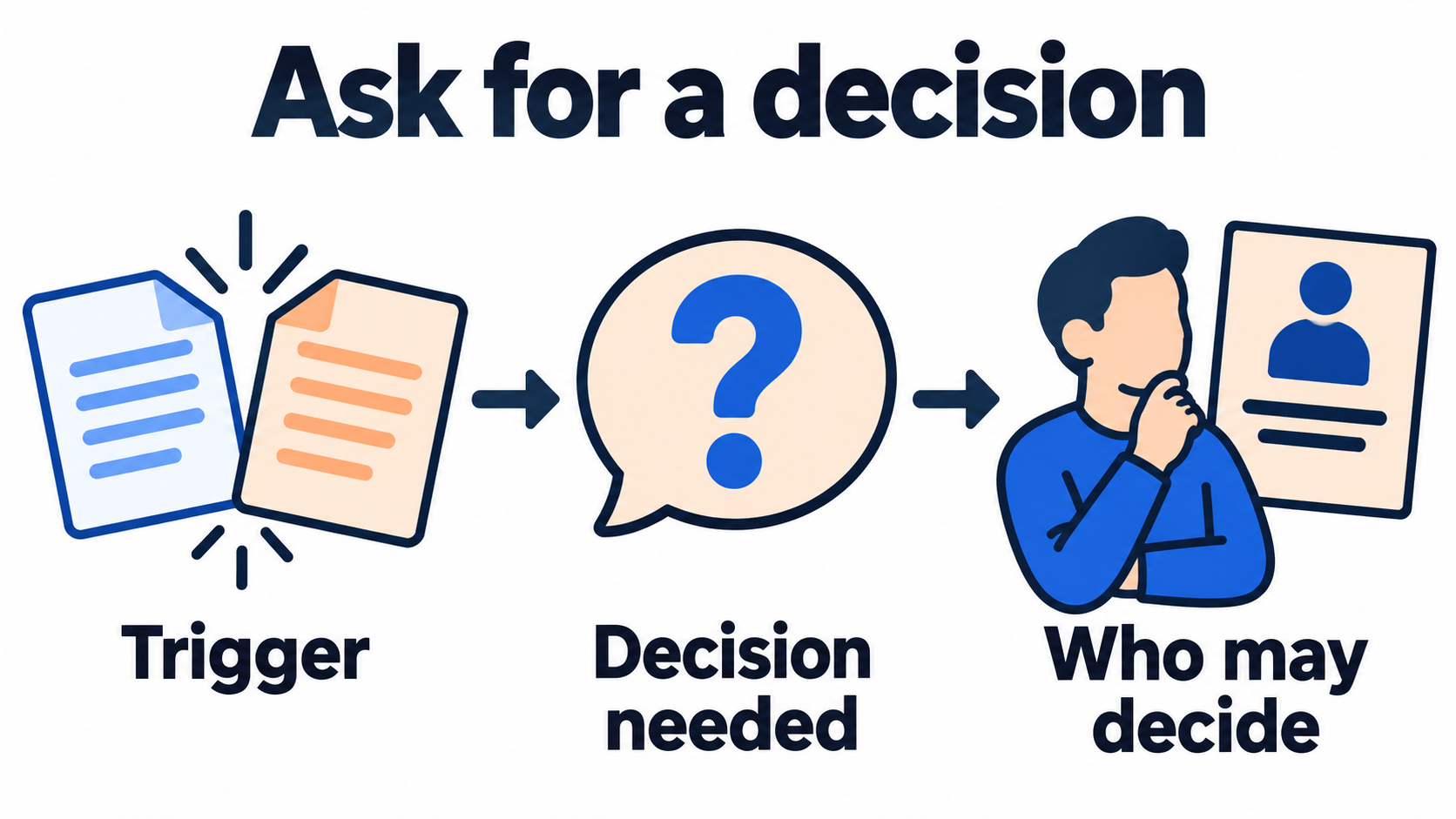
Write a trigger the team can recognise from the working record. “Two reviewers have supplied incompatible headline instructions for proof C” is clearer than “client feedback problem”. Then state what answer would let the work proceed and who is authorised to give it. A job title alone may not tell you whether that person can approve the client’s wording.
| Trigger to agree for your project | Decision required | Route to confirm in advance |
|---|---|---|
| Review comments cannot be reconciled against the current brief | Which instruction applies to the named version? | The client’s agreed decision role, with a backup coordination route |
| A requested output differs from the agreed work | Whether and how the proposed change will be agreed | The studio decision role and the client’s authorised approval route |
| An input or approval is missing and the next commitment may be affected | What can proceed and how the affected commitment will be handled | The people authorised to agree the affected delivery arrangement |
These are example triggers to adapt, not statements that a particular role always has that authority. A backup can help locate an answer without being allowed to make the decision. Record that distinction instead of treating a name in the next row as automatic permission to approve someone else’s work.
The Australian Government’s risk planning guidance includes response responsibilities, timeframes and future actions. Those general planning points inform this template. It does not prescribe the escalation routes below or make them a required response standard.
Send the decision record through the agreed route
Prepare a compact record that the decision role can use. Identify the client project, exact proof or deliverable, current agreement and unresolved question. Include the relevant references and explain which next commitment depends on the answer. Avoid making the recipient reconstruct the situation from a long thread of contradictory comments.
Separate the evidence from your recommendation. You might recommend keeping one approved headline, but show where that version was approved and why the new instruction conflicts with it. If no version has been approved, say so. An escalation should expose the missing decision rather than turn the routine owner’s preference into an assumed client instruction.
Use the route the people involved have agreed to use and share only the material they are authorised to see. Do not add unrelated clients, private notes or another person’s credentials to a decision packet. This guide supplies an internal note structure; it does not send a message, invite anyone or recommend bypassing the normal approval boundary.
Agree the follow-up and the limit on waiting
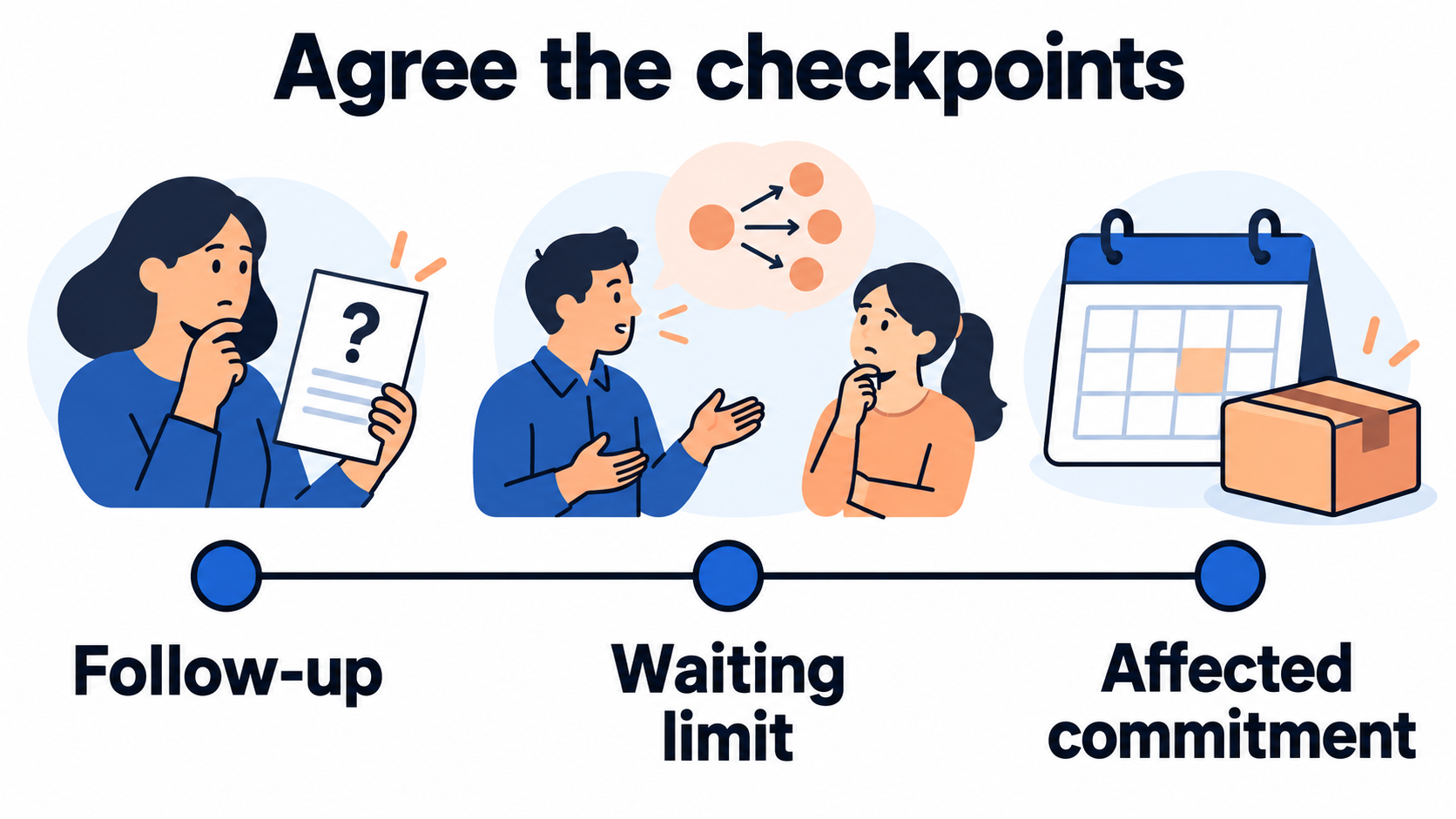
State when the routine owner will check for an answer, what happens if there is none and which work can continue in the meantime. A follow-up time is a working agreement, not a guarantee that the answer will arrive. Record the timezone when a clock time matters.
The waiting limit is the point when another decision is needed about the affected commitment. It is not permission to approve the unresolved item, silently move a deadline or stop every unrelated task. Name the work that must remain on hold and the work that can safely continue within the existing agreement.
Keep a backup route for an unavailable decision role. Before using it, understand whether the backup may decide or can only coordinate an authorised response. If nobody available has the needed authority, record that state and use the agreed route for discussing the delivery impact. Do not make the matrix look complete by inventing a person who can approve anything.
Use a small matrix that a colleague can act on
The CSV records the trigger, current owner, decision role, backup boundary, evidence, follow-up and waiting limit. It also has a field for what may continue while waiting. A useful entry should let another collaborator describe the next action without guessing which deadline or proof you meant.
- Identify the client project and the specific trigger.
- Name the decision needed and the routine owner keeping the record current.
- Confirm the decision role, backup and limits of their authority.
- Point to the exact version, current agreement and relevant evidence.
- Record the agreed route, follow-up time and timezone.
- Define the waiting limit, permitted work and next route if no answer arrives.
- Record the actual answer, its source and the next owner before marking the issue resolved.
Review the matrix when the project team or approval arrangement changes. An out-of-date backup can be worse than an honest blank because it suggests a route that no longer exists. Give an unresolved role or timing question an owner to confirm before the matrix is used for a live decision.
A fictional studio handles conflicting proof comments
The note below is an invented illustration. Lantern Desk Studio, Belltower Theatre, Ellis, Jo, Casey, Drew and all references are fictional. The times are agreements chosen for this example, not recommended response standards or measured service levels. No actual request has been sent or answer obtained.
Project and current state: Belltower Theatre programme landing page, reference BT-PAGE, proof C. On 29 October 2026 at 10:00 Sydney time, Ellis has two incompatible headline instructions and no recorded authorised choice.
Trigger and decision: The routine review route has not resolved which headline should apply to proof C. The affected headline revision stays waiting for one instruction through the client’s agreed approval route.
Decision and backup roles: Jo is the agreed client decision role. If Jo is unavailable, Casey can coordinate an authorised response but does not gain authority to approve the headline. Drew coordinates the studio’s delivery-impact discussion.
Evidence packet: Keep the two comment references, proof C and the current brief together in their agreed location. Ellis records the unresolved question and the recommendation separately.
Agreed follow-up: Ellis checks for the answer at 12:00 Sydney time on 29 October, using the agreed route and Casey’s coordination role if needed. This is a fictional project agreement, not an automatic alert or guaranteed response.
Waiting limit: If no authorised choice is recorded by 14:00 Sydney time, Ellis asks Drew to coordinate the decision about the affected 15:00 proof review through the agreed approval route. Nobody silently changes that commitment or approves the headline by default.
Work while waiting: Ellis may continue unaffected page checks within the approved brief. The disputed headline and any public release remain on hold. Casey’s involvement does not remove that boundary.
Current result: Waiting for a decision. The follow-up and waiting-limit actions are planned; the example does not record a successful response or a resolved issue.
The matrix does not solve the disagreement. It makes the unanswered decision visible and gives Ellis a specific next action. The 12:00 follow-up and 14:00 waiting limit serve different purposes, while the original 15:00 commitment remains visible instead of disappearing behind the word “escalated”.
Close the decision loop with the actual answer
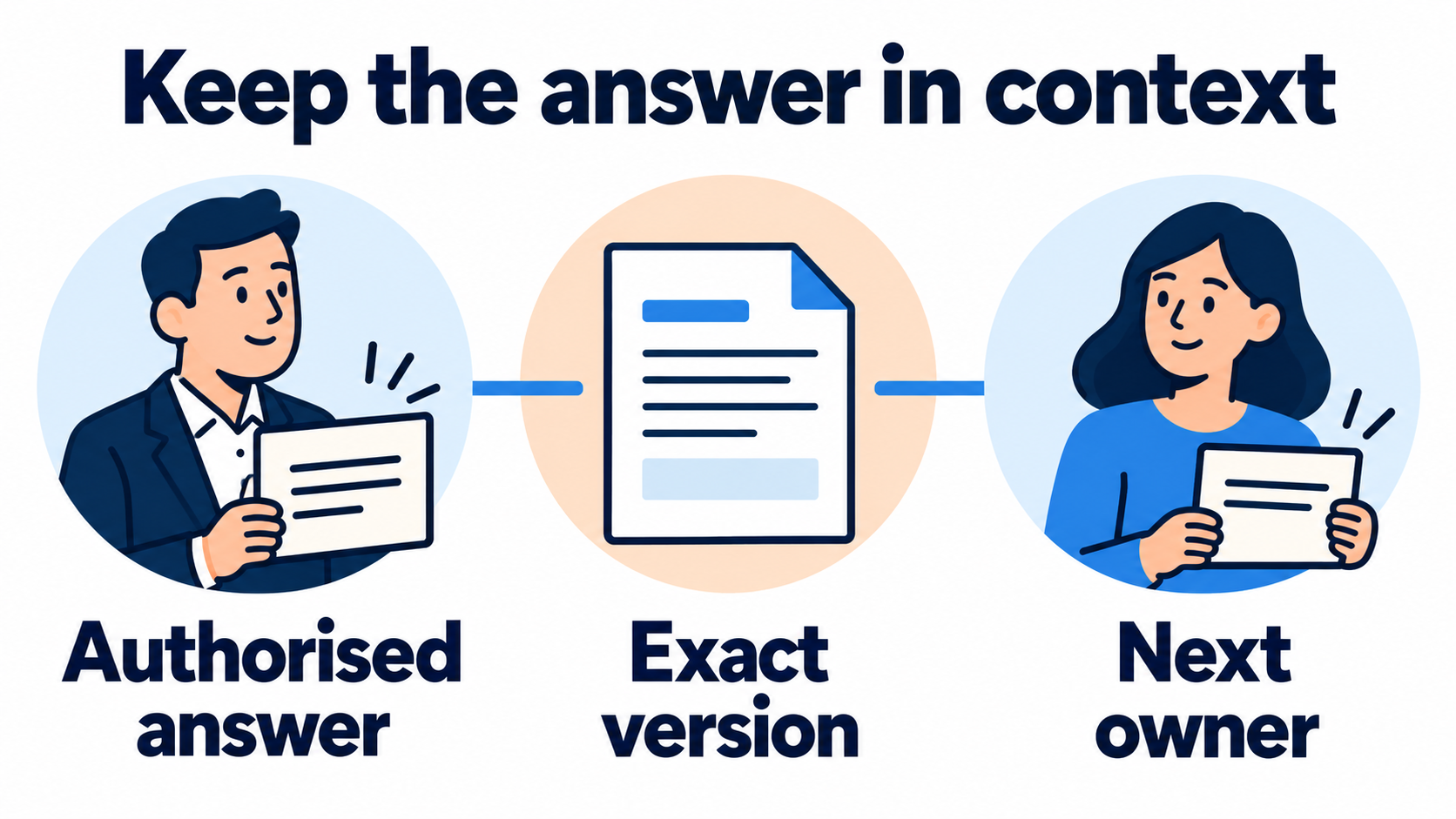
When an answer arrives, record who made it, which version it applies to and where the source can be found. Check that the person had the agreed decision role. A response from someone on the thread is not automatically the approval you were waiting for.
Update the current project record with the action, owner and any properly agreed change to the commitment. If the answer leaves a question open, keep that part waiting and identify the next decision. Do not mark an issue resolved merely because the escalation note was sent or acknowledged.
The meeting notes template can help preserve a decision made in discussion. The client status report template can communicate an agreed outcome through the client’s normal route. Neither replaces the specific authority and evidence recorded in the matrix.
You can record the manual follow-up task against the client project in TASKUL, with a responsible person and date, and keep the detailed timing and decision route in the linked note. This does not promise automatic escalation, SLA monitoring, alerts, English task-due email or permission changes. The useful endpoint is an authorised decision with a clear next owner, or an honest record of what still prevents one.